Quickstart
Welcome to our Document Automatization Tool! This tool is designed to streamline your workflow by automating the creation and management of document templates in Microsoft Word. Whether you need to generate multiple contracts, reports, or any other type of document, our tool can help you do it quickly and efficiently.
Key Features:
- Template Management: Store and manage document templates in Word.
- Parameter editing: Generate documents automatically based on your templates.
- Module editing: Customize your templates with dynamic fields and placeholders.
- Integration: Seamlessly integrate with other tools and services with our API service.
- Version control: To keep track of your changes, we provide version control for your documents with the Microsoft Word version control system.
Note: Not every feature is available for all subscription levels.
Getting Started:
- Create a Template: Start by creating a document template in Microsoft Word.
- Upload the Template: Upload your template to the Document Automatization Tool.
- Define Fields: Define the dynamic fields and placeholders in your template.
- Generate Documents: Use the tool to generate documents automatically based on your template.
Here is an example about how to use the document automatization tool:
Note: In the free tier subscription the module editing is only enabled for the given test document example.
- Download this example document
- Upload the document to the tool.

- Define the fields in the document
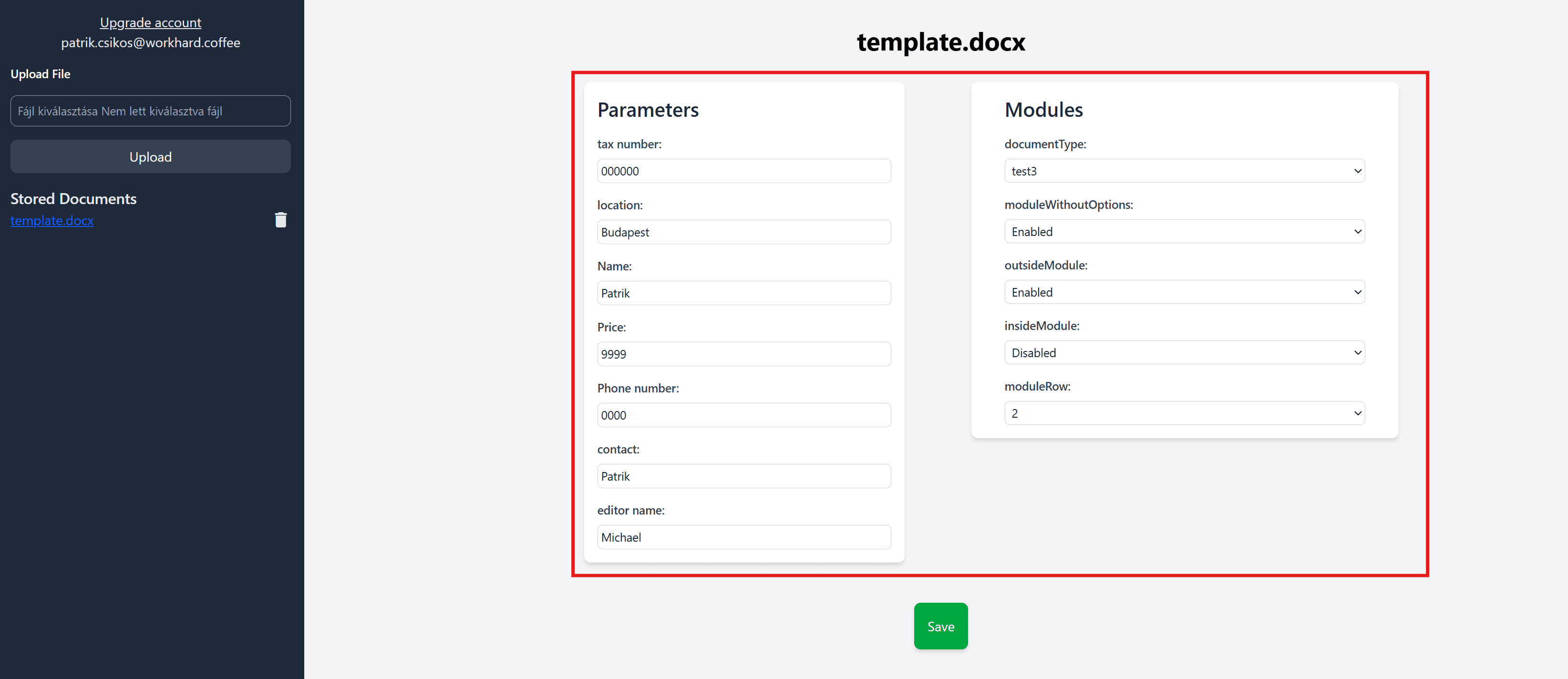
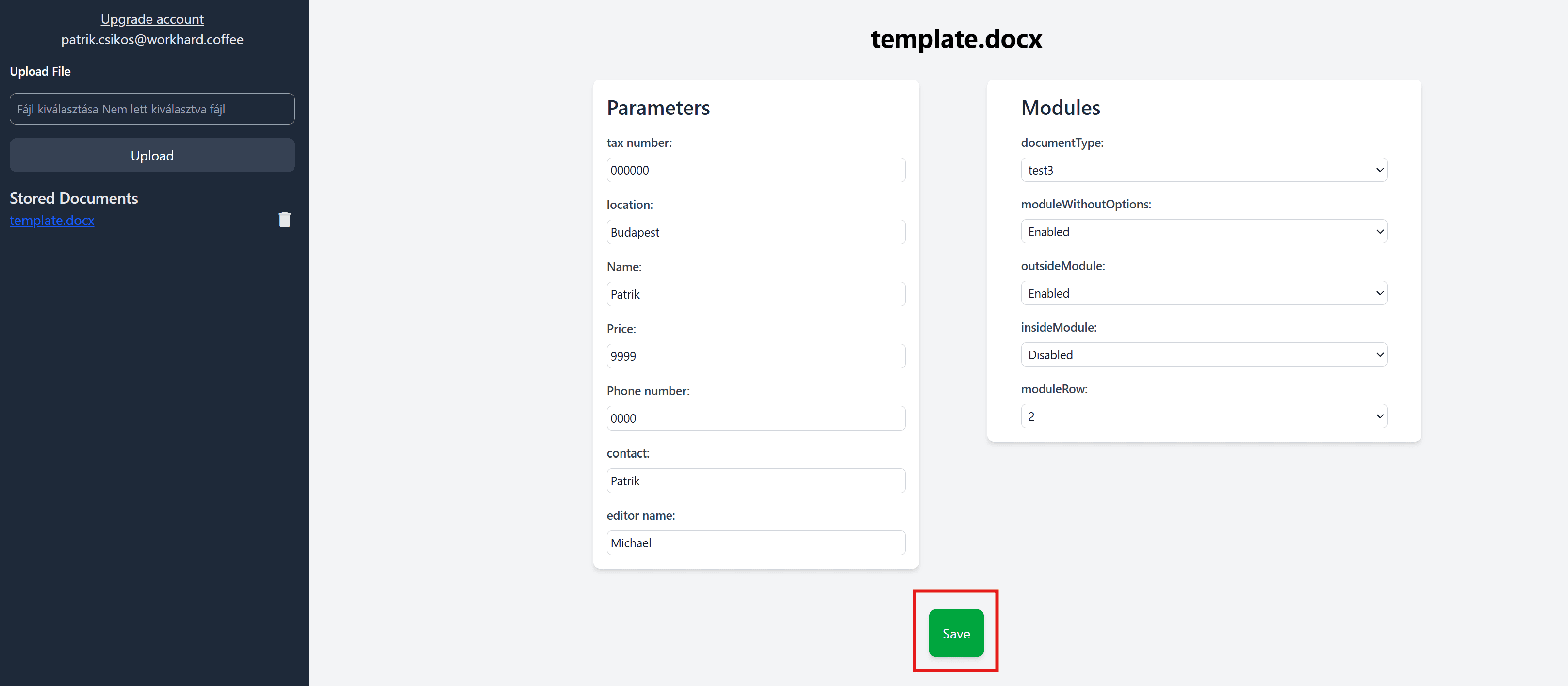
- Click on the save button to download the result.
Let's get started and make your document creation process more efficient!